An office noticeboard people read.Not a wall of out-of-date A4.
WallKiwi makes office noticeboards. Type who to ask, your first aiders, fire marshals and this month's dates, and it designs one board in one look, with every time and phone number as you wrote it. It prints on A4, and when something changes you print just that sheet again.
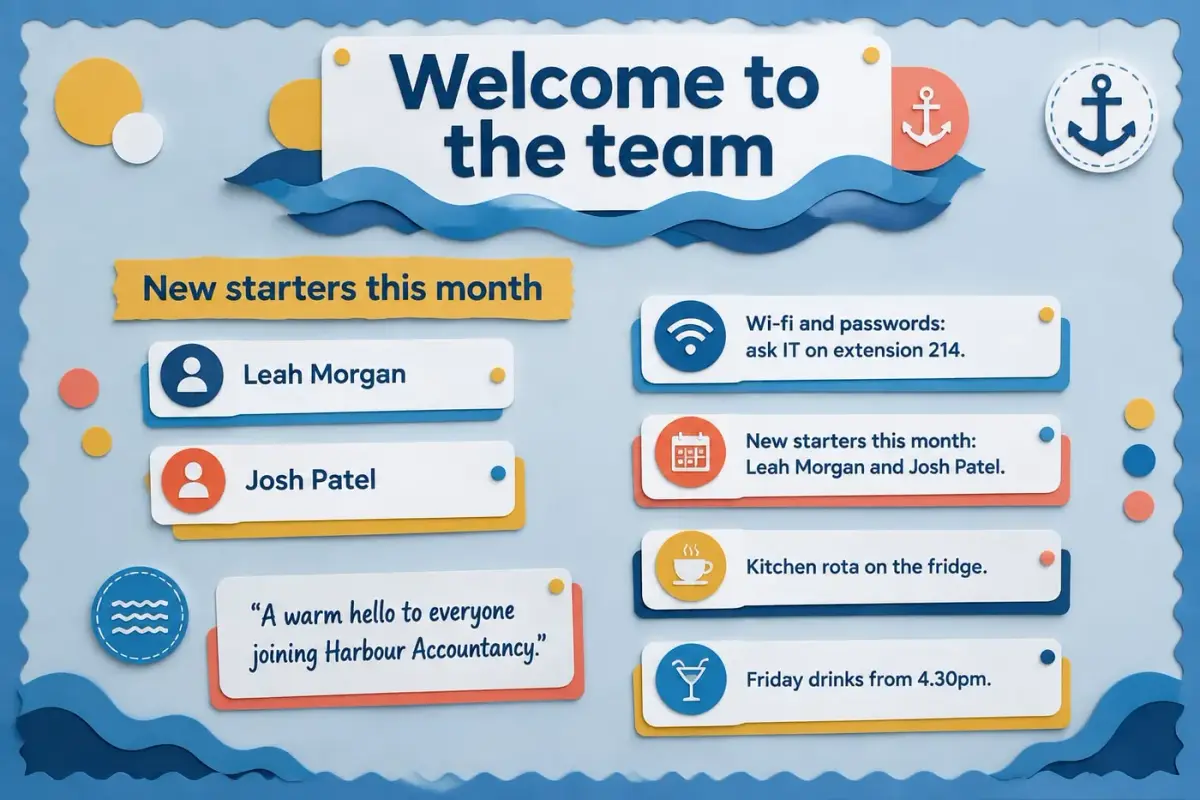
Every board in the building, from a sentence each
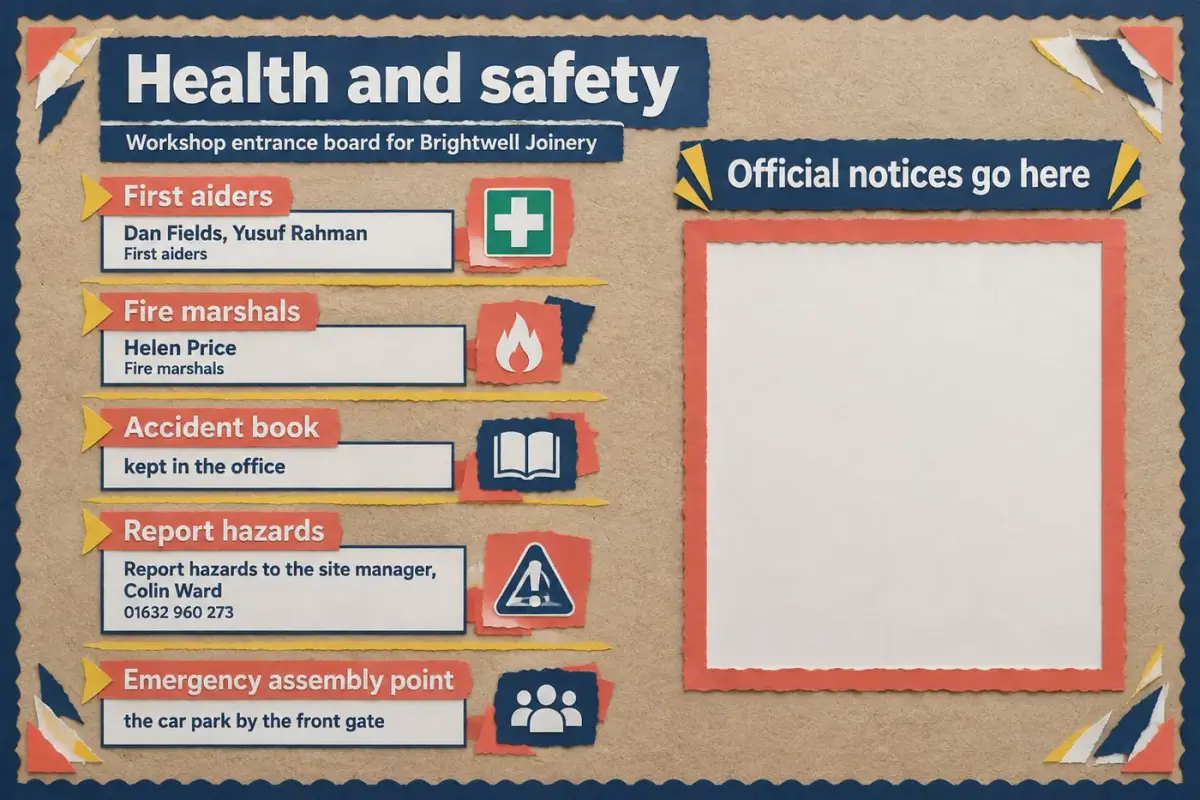
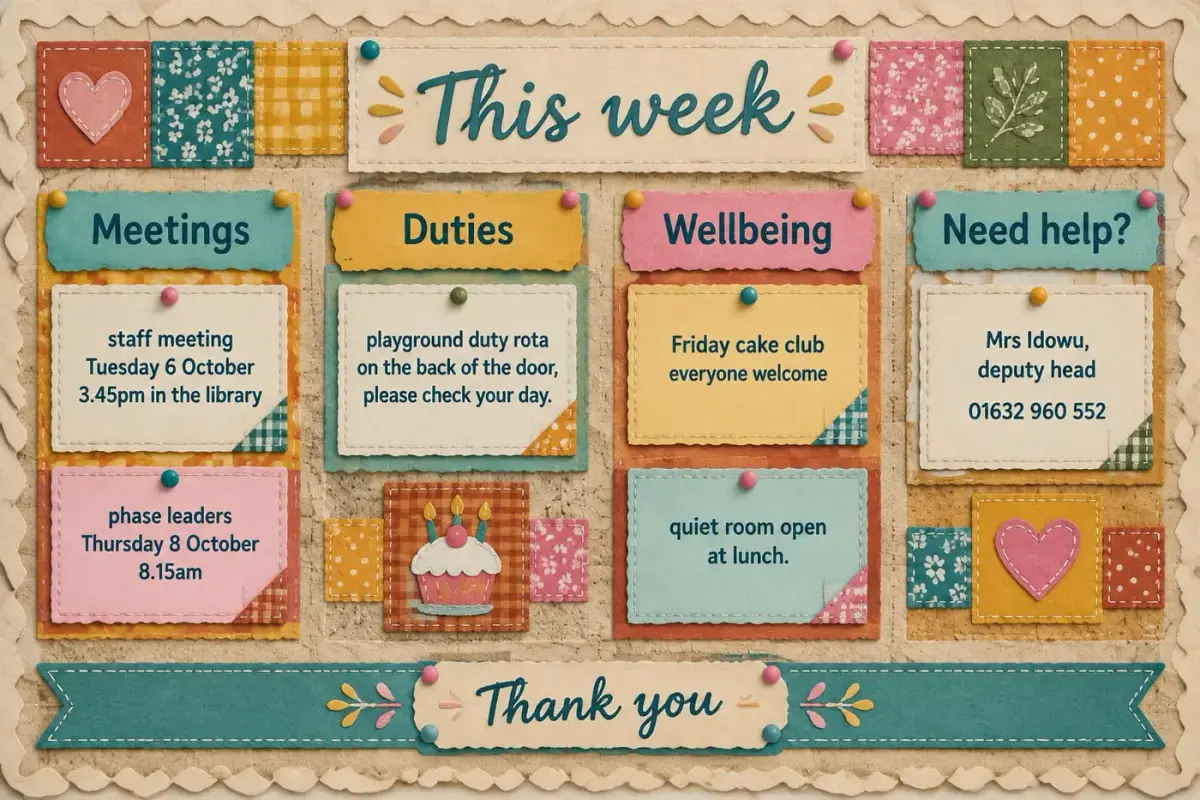
The kitchen noticeboard, the health and safety board by the entrance and the staff room board, all made from a sentence each.
What to put on an office noticeboard
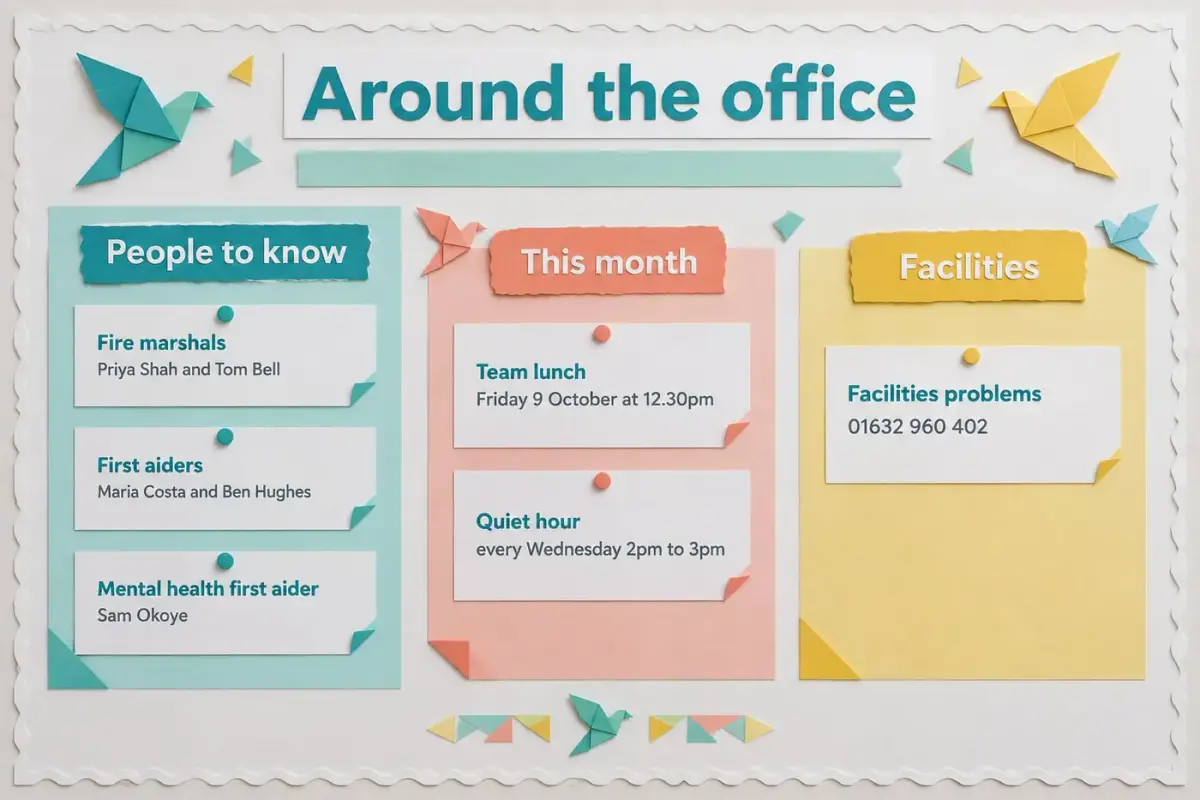
Staff glance at it while the kettle boils. Put the names people need in a hurry at the top.
Fire marshals and first aiders
Names, floors and photos. Check they are current whenever someone joins or leaves.
Events and the month ahead
Team lunches, birthdays, training days and deadlines with dates and times. Keep only what is coming up.
Wellbeing
A quiet room, a walking group or an employee assistance line the company already provides. Use its own wording.
Who to ask for what
IT help, facilities, HR and post, each with a name or number, so nobody hunts for a person.
House rules and thank yous
The kitchen rota, meeting room booking and a thank you strip. Small kindnesses keep a board read.
More boards for the workplace
Each one opens the maker with these words already typed. Change the names and numbers to your own.
Kitchen rules board
Kitchen board for the Elm Street Studio team. Title: Kitchen, please. Wash your mug, wipe the sides, empty the dishwasher on your day. Rota: Monday Jo, Tuesday Lee, Wednesday Amira, Thursday Dev, Friday everyone. Broken kettle? Tell Kim on 01632 960 158. Friendly, light humour, bold lettering.
Names and the rota print exactly as typed.
Start with thisEvents and social board
Social board for the Fairfield Print Works canteen. Title: Get involved. Summer barbecue Friday 26 June at 12pm on the terrace. Charity quiz Thursday 15 October at 6pm, 3 pounds entry. Book club meets first Tuesday of the month. Organiser: Lena Novak, 01632 960 795.
Dates, prices and phone numbers stay as typed.
Start with thisKeep the noticeboard current
- 1
Put it where people pause: by the kettle, the lifts or the printer.
- 2
Date every sheet and remove anything past its date on the first of each month.
- 3
Keep the marshals and first aid names on their own sheet and check them each quarter.
- 4
Use a magnetic or cork board so sheets can change without fresh holes.
Office noticeboard questions
What office managers and team leads ask before they make one.
Ideas and layout
What should go on an office noticeboard?
Fire marshals and first aiders, who to ask for what, this month's events and dates, wellbeing support and any house rules. Put the names people need in an emergency at the top and keep everything else to a few short lines.
What are good office noticeboard ideas?
A who to ask panel, a month ahead calendar, a wellbeing corner, a thank you or shout outs section and a new starters welcome all work well. Choose what people ask about most and give it the most space.
How do I keep an office noticeboard up to date?
Give each kind of notice a fixed section, put a date on everything and check it on the first working day of each month. Because every section is its own sheet, you can print just the one that changed.
How do you make a noticeboard look professional?
Use one design for every piece, a clear title and the same type throughout. WallKiwi designs every header, card and frame in one look, so the board stops being a patchwork of printouts.
Health and safety
What must be on a workplace health and safety noticeboard?
Check the HSE for what your workplace must display, such as the health and safety law poster. WallKiwi does not look anything up or decide what is required, so leave a frame for official notices and paste your own wording for everything else.
Can I make a first aiders and fire marshals board?
Yes. Type each person's name and role and where things are kept, such as the accident book and first aid kit. Every phone number and time prints exactly as you typed it, so check the names before you print.
Will it change our phone numbers or dates?
No. Every time, date, phone number, email and web address on the design must match what you typed. Anything that does not match is redesigned once, then removed, and you are told what was taken off.
Printing and putting it up
What paper should I print a noticeboard on?
Ordinary A4 works for every sheet. Print at 100%, never fit to page, and use card for headers and lettering so they stay flat on a pinboard.
Can I make every noticeboard in the building match?
Yes. Describe each board, such as the kitchen, the entrance and the staff room, and ask for the same style in each description. Every board comes back as its own pack on A4.
Can I rebuild the noticeboard we already have?
Yes. Add a photo of your current board instead of a description and WallKiwi rebuilds it as a printable pack. Add notes to say what should change, such as a new first aider.
How long does it take to make an office noticeboard?
Usually a few minutes. WallKiwi draws three looks in about half a minute to a couple of minutes, then makes every piece once you have chosen one. You can leave the page and come back to a finished pack.
Can I download the board again later?
Yes. Everything you make stays in your library, so you can download it again whenever a sheet needs reprinting.
Boards for other places
Make your office noticeboard
Type who to ask and what's on. You check every word, and every phone number prints as you typed it.