Decorations that actually match.Not clip art from five websites.
WallKiwi makes matching decorations for a party, a shop window, a nursery or a classroom. Name a theme, or list the items you want, and get 8 to 16 illustrated pieces in one look, labelled or blank for writing, all at one printed height of 50, 80 or 120 mm, on A4 with a numbered contact sheet first.
- 8 to 16pieces in every pack
- 50, 80 or 120 mmtall, every piece the same height
- Labelsof up to three words, or blank for writing
- Contact sheetfirst, numbering every piece
Inside a decoration pack
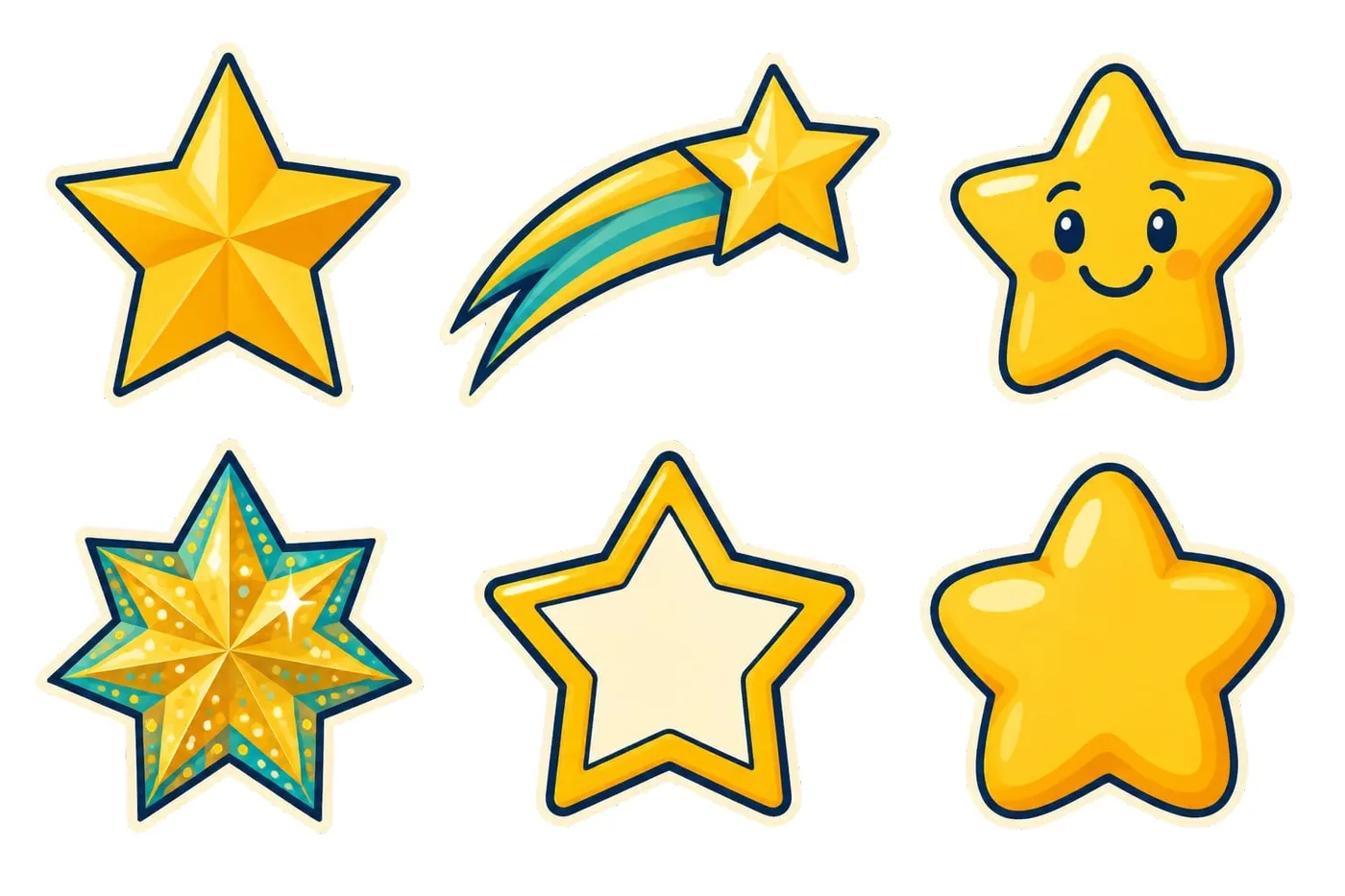
This is the Stars pack, exactly as WallKiwi made it.
The look
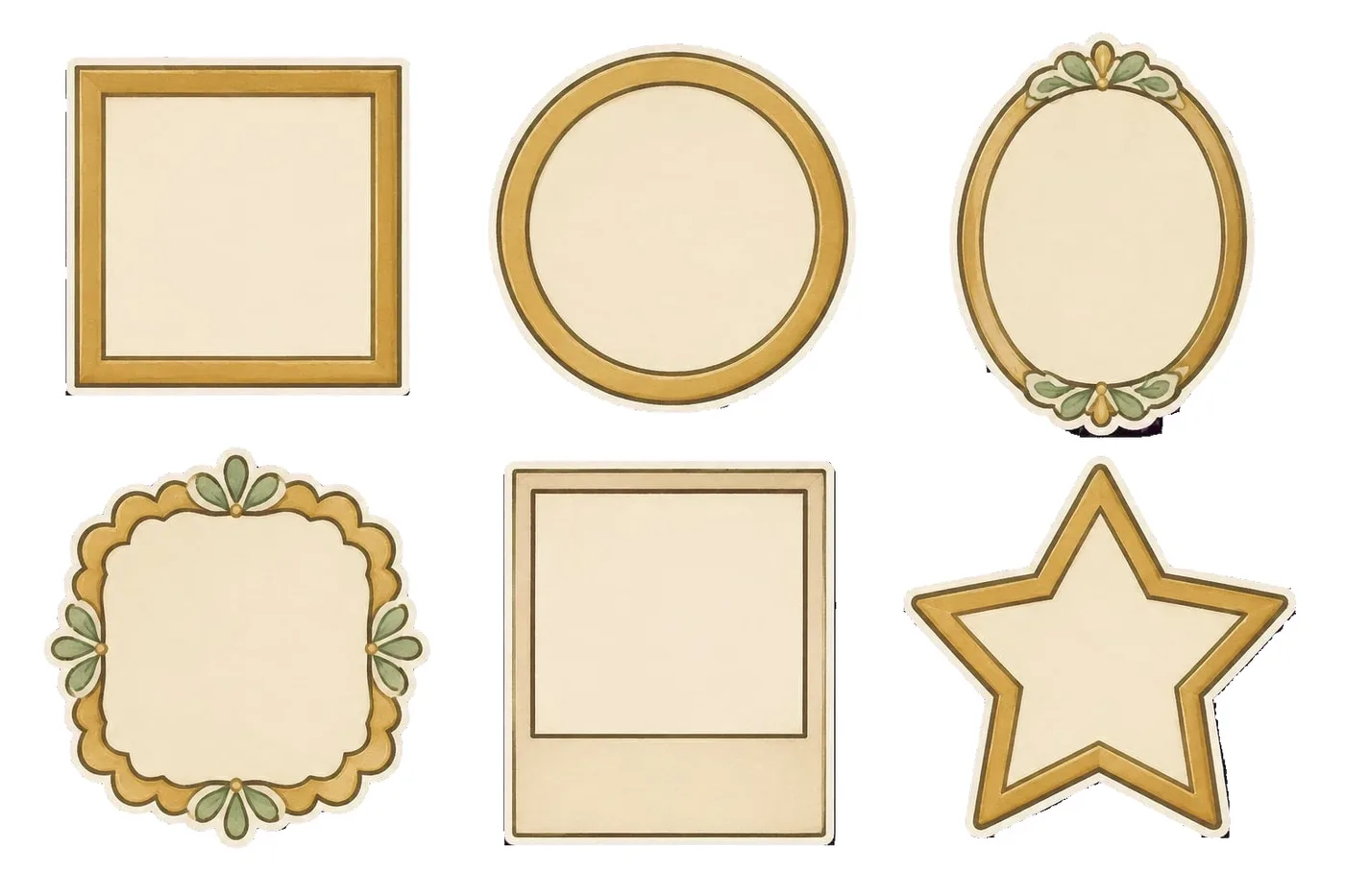
A style sheet of six pieces, so you can see the whole set before you pick.
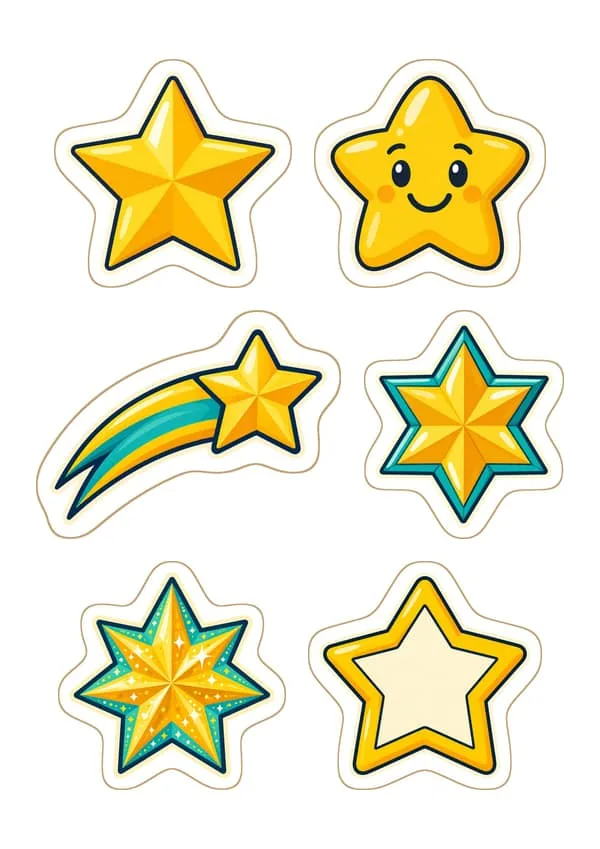
Cut-out sheets
Every piece drawn on its own with a thin white edge to cut round, side by side on A4.
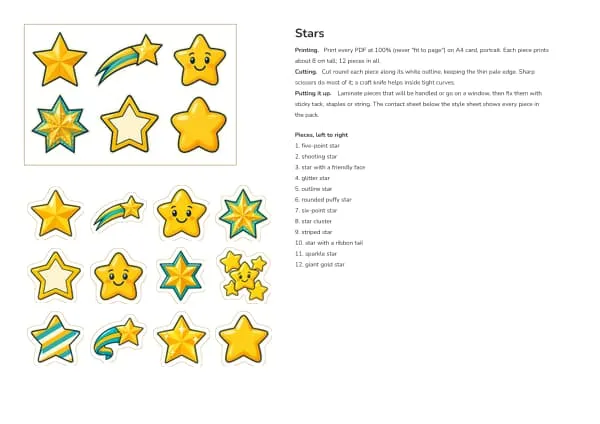
The guide
Sheet one shows how to print, cut and put the pieces up.
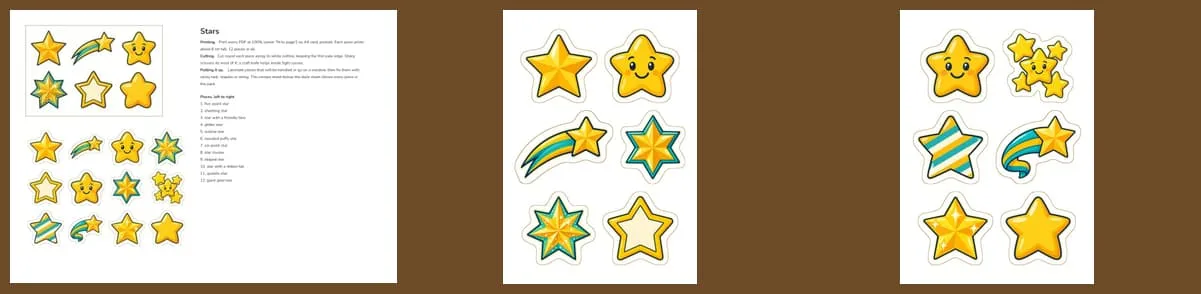
The contact sheet
Every piece in the pack, numbered, so you can check you have them all.
Real decoration packs
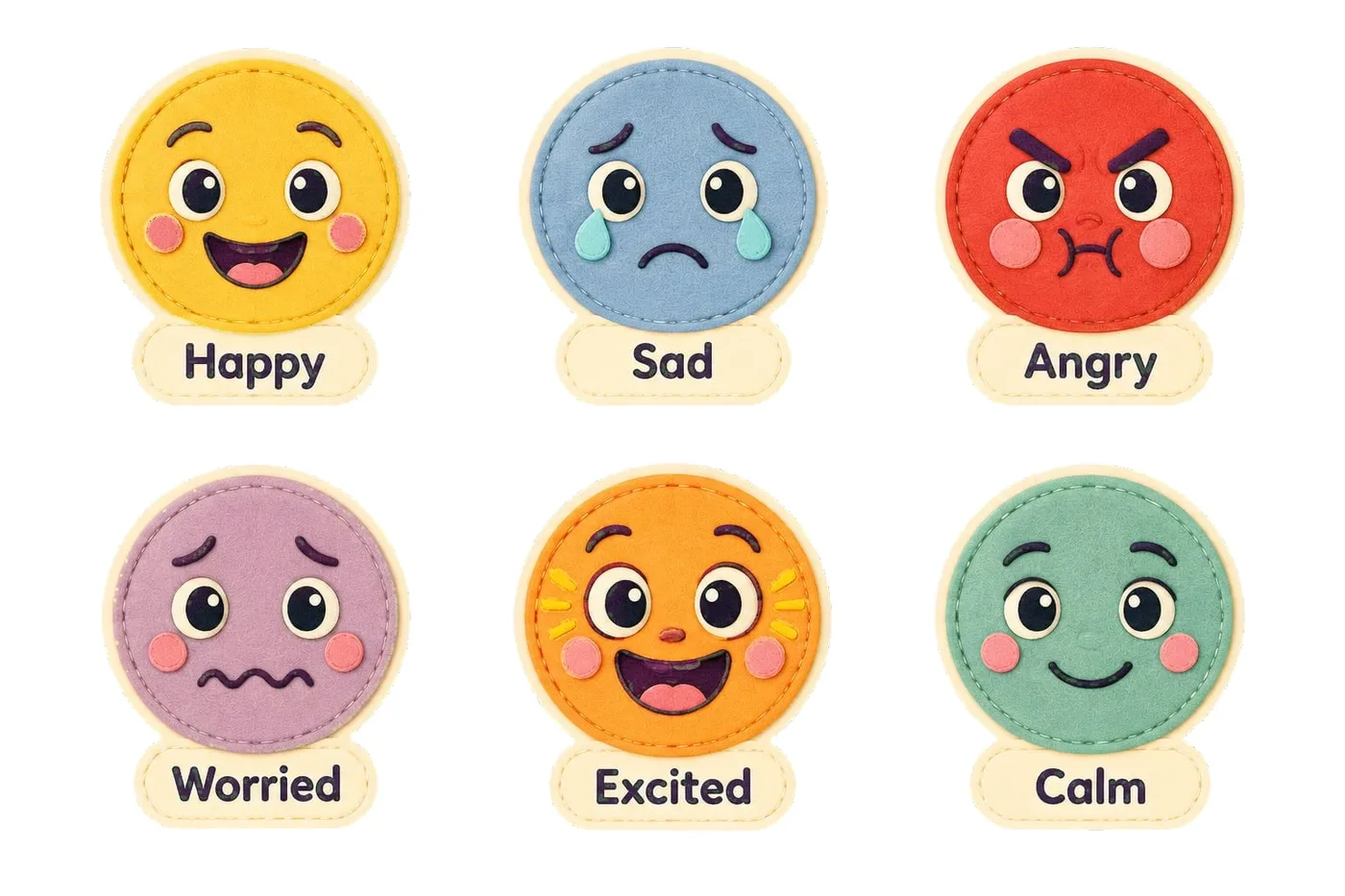
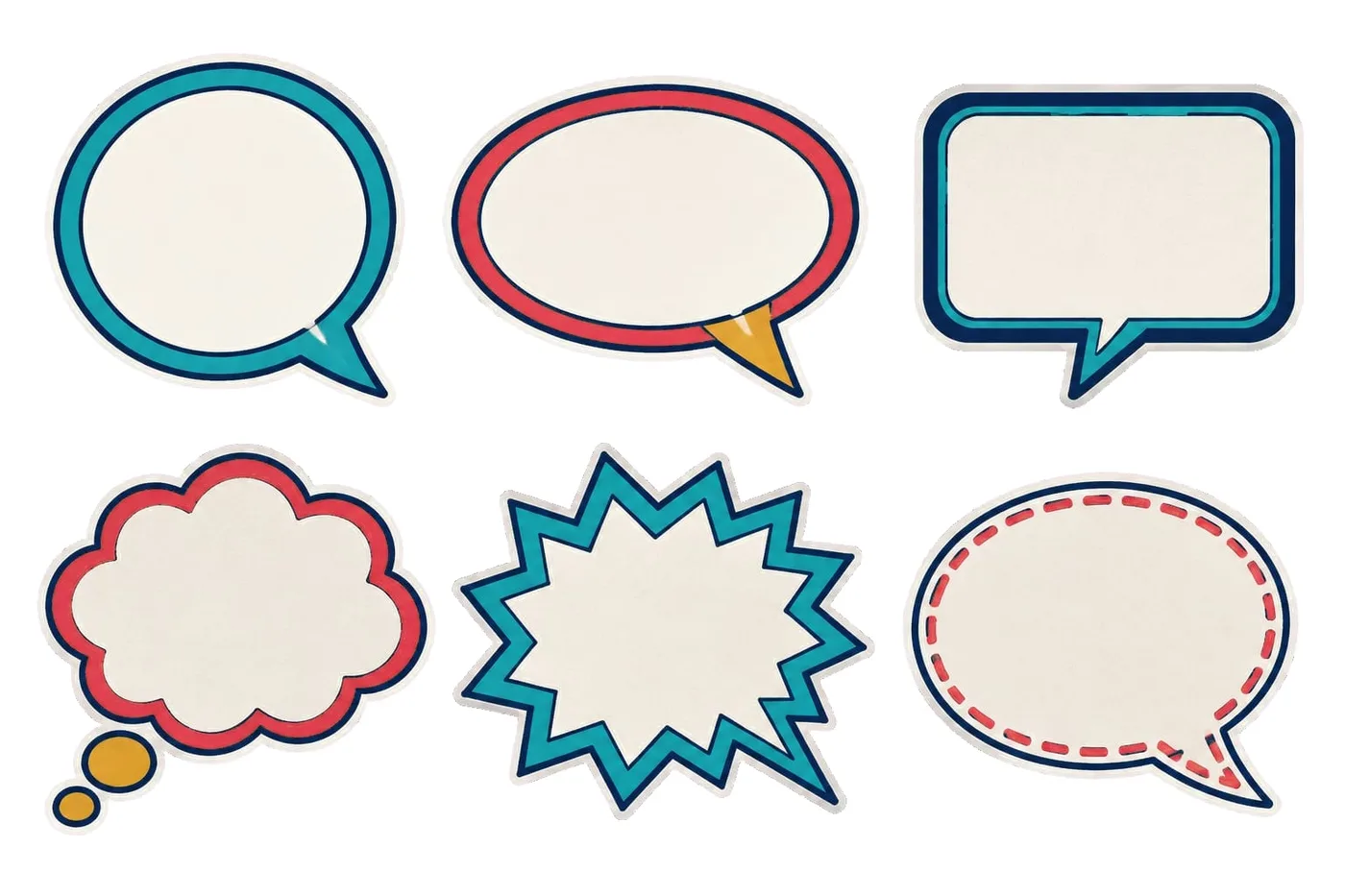
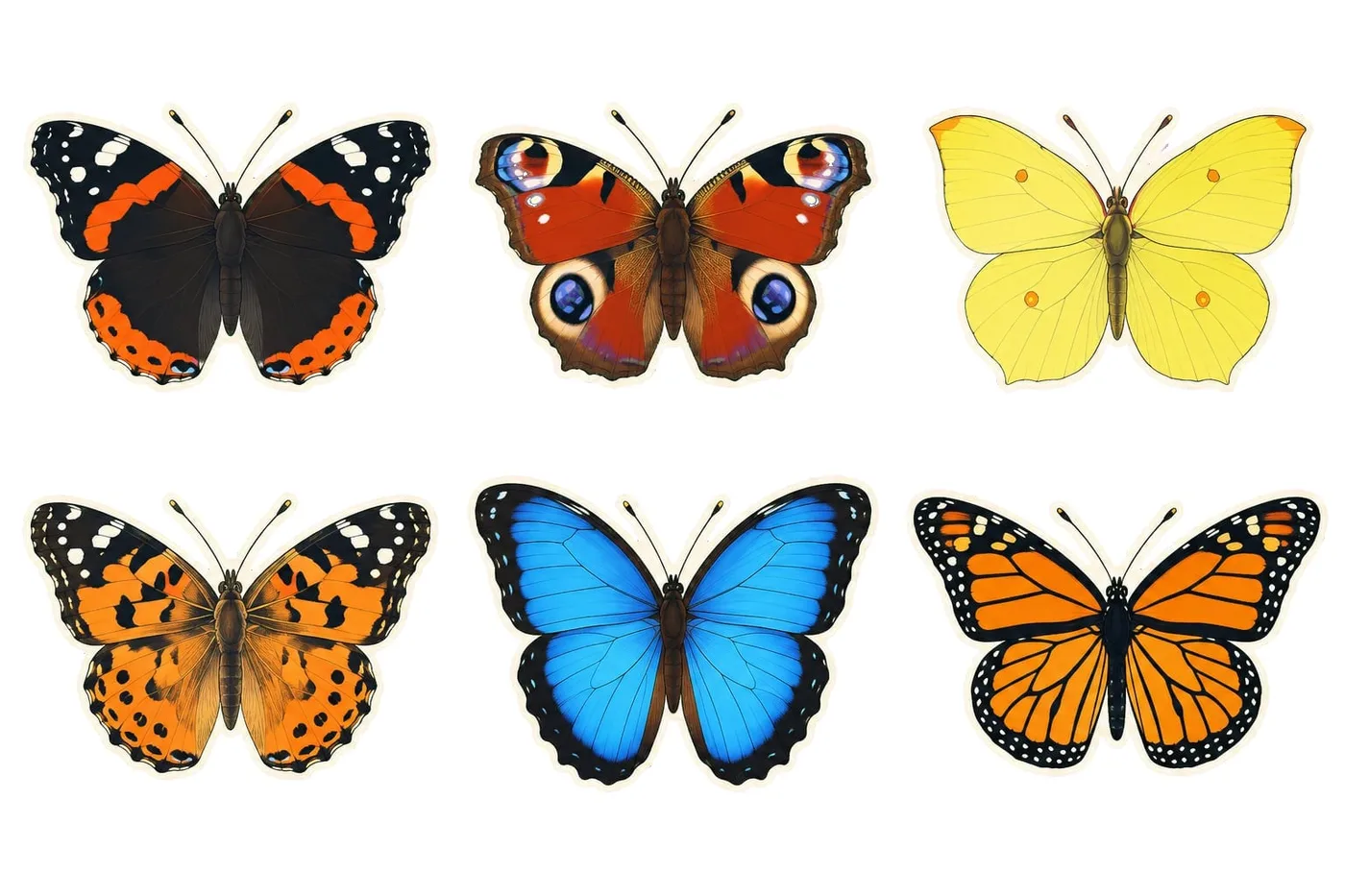
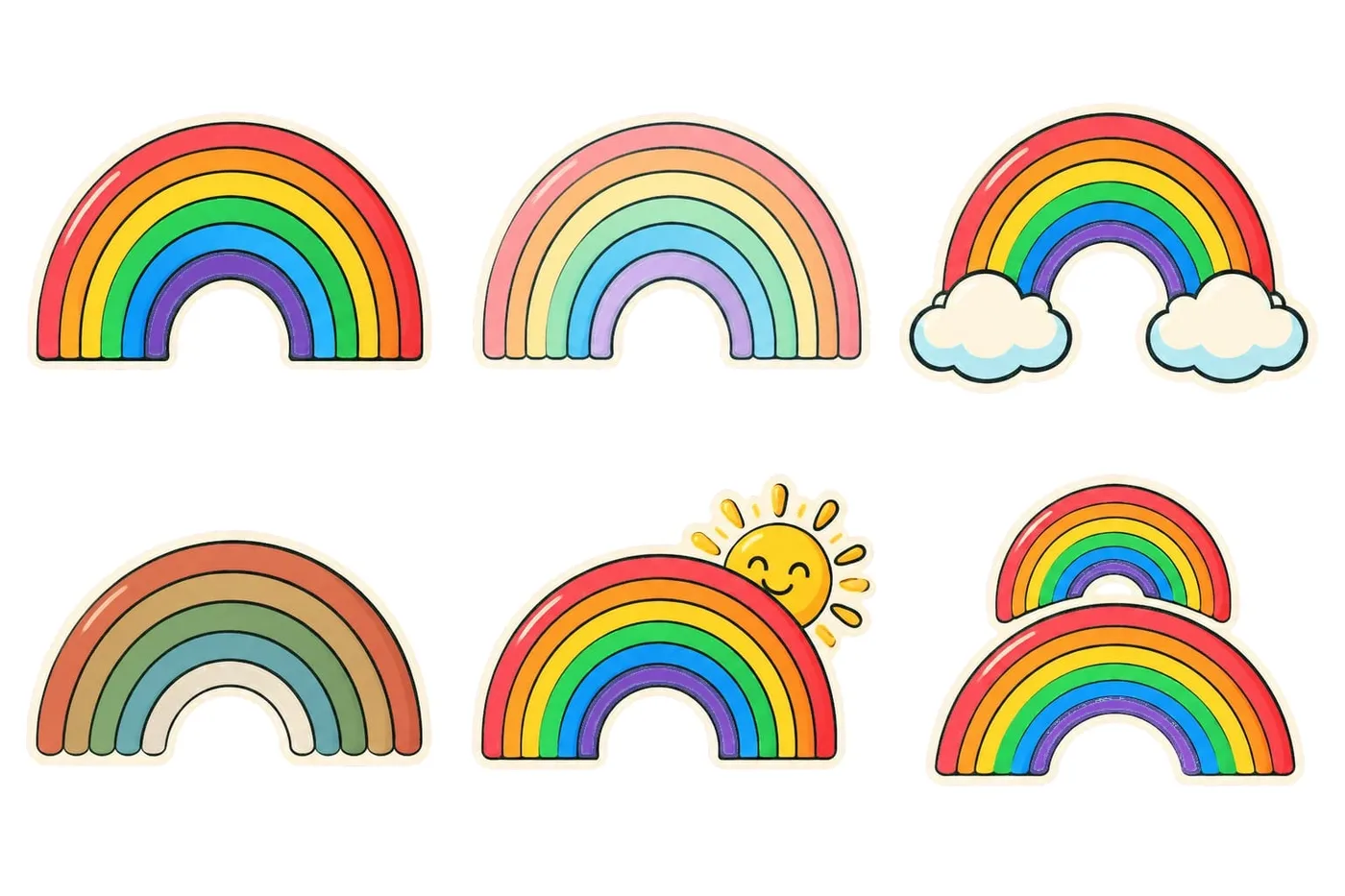
Each set below was made from a theme and a list of items. Every piece in a pack shares one look.
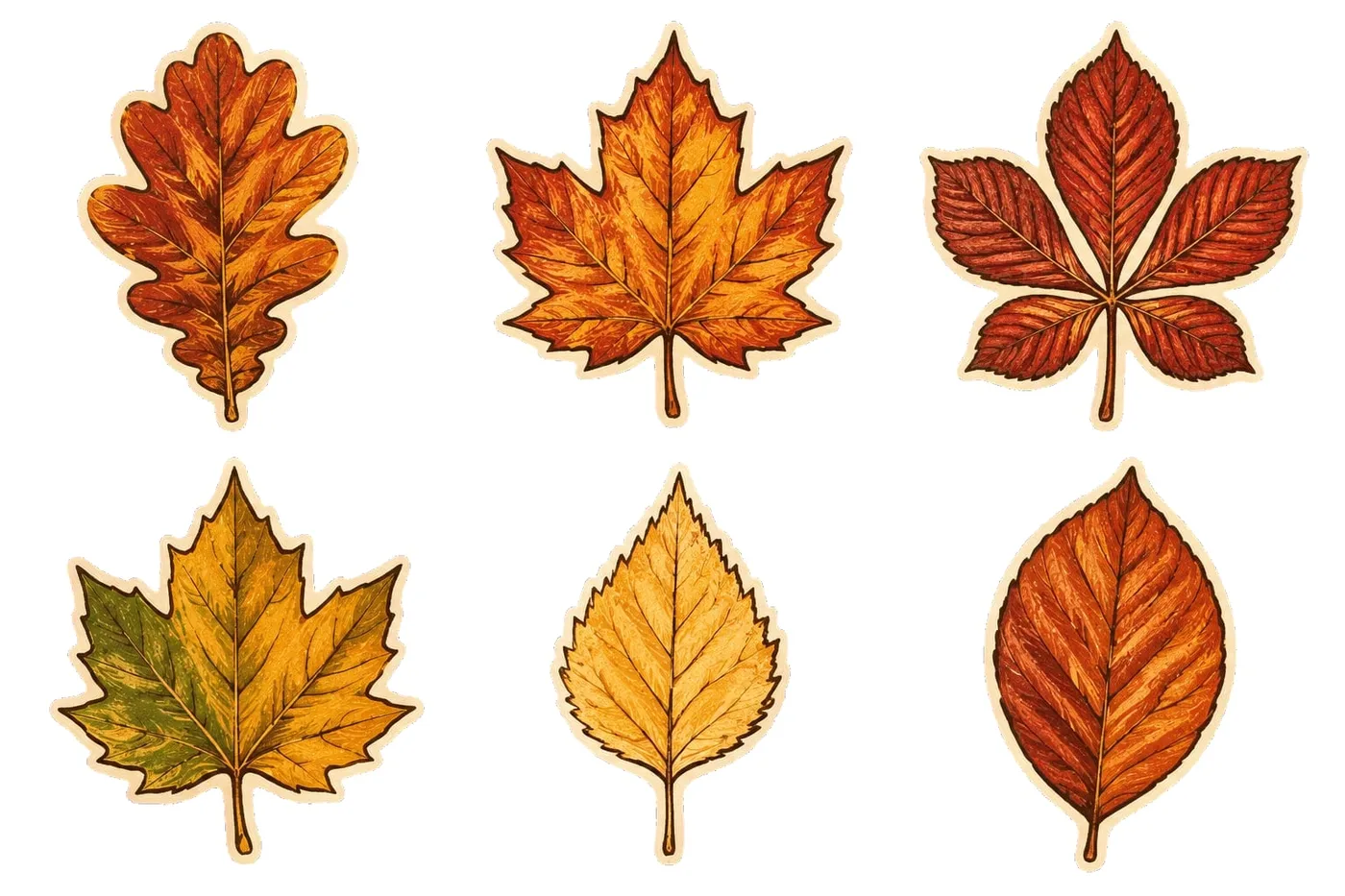
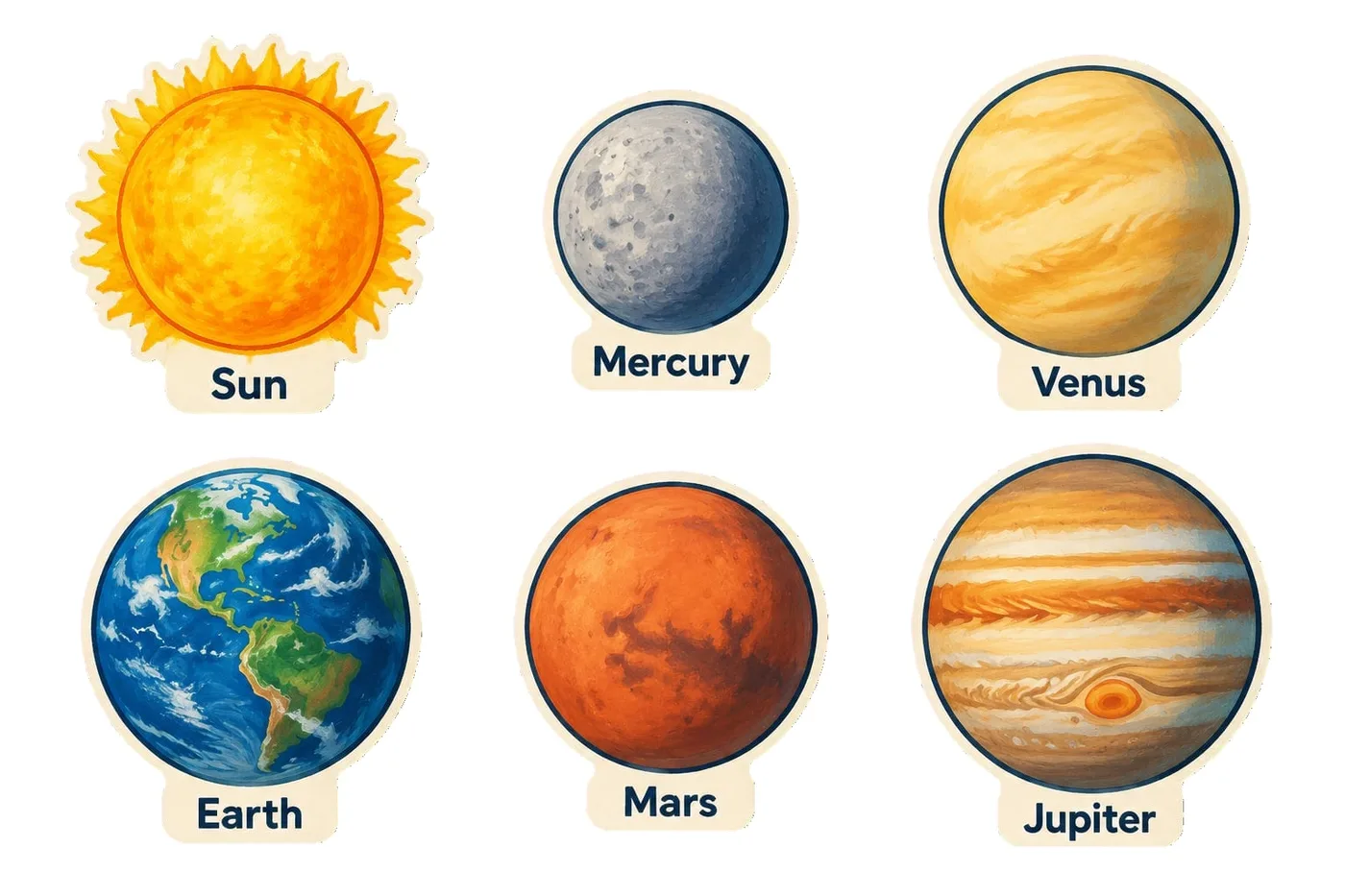
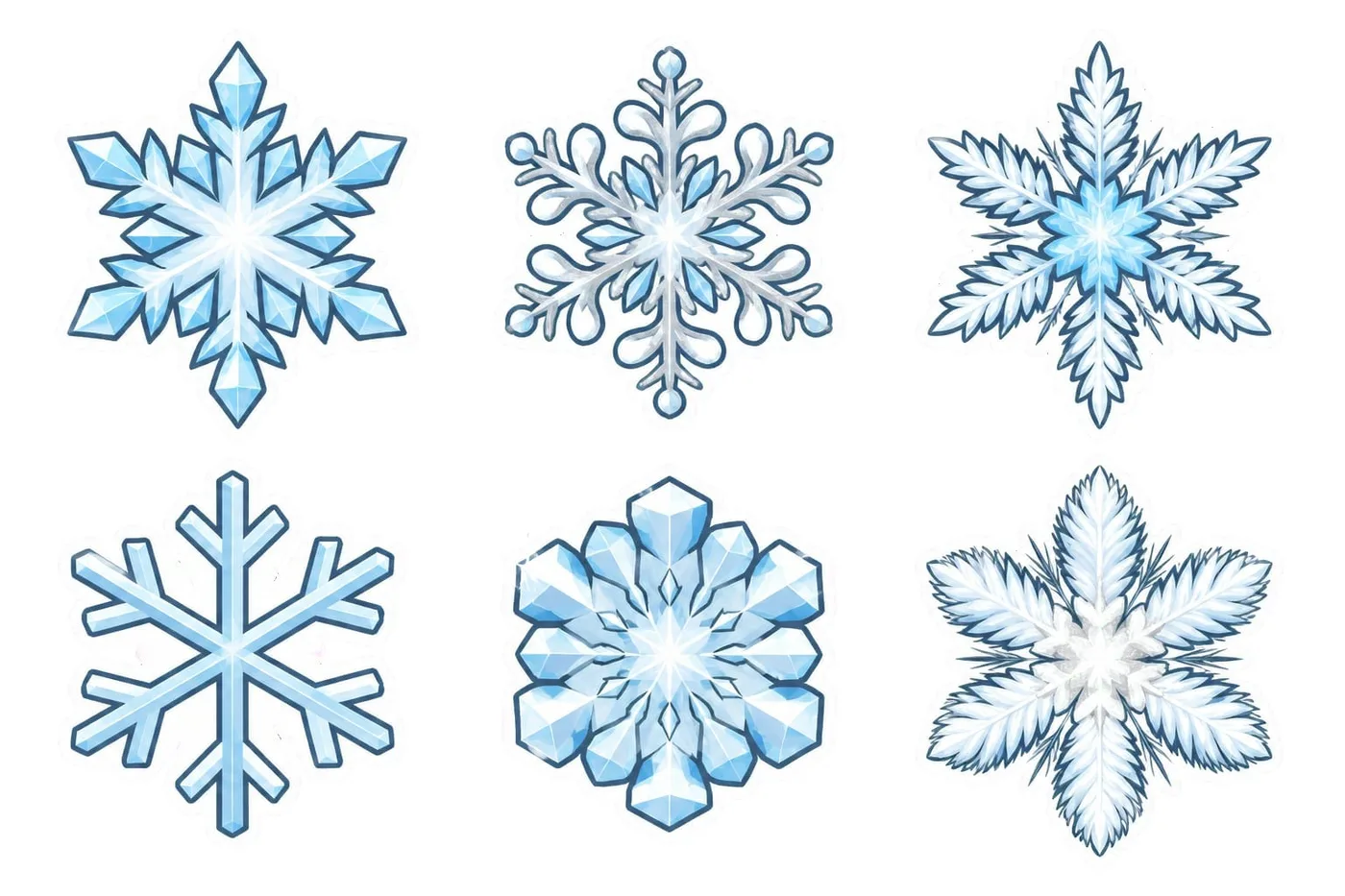
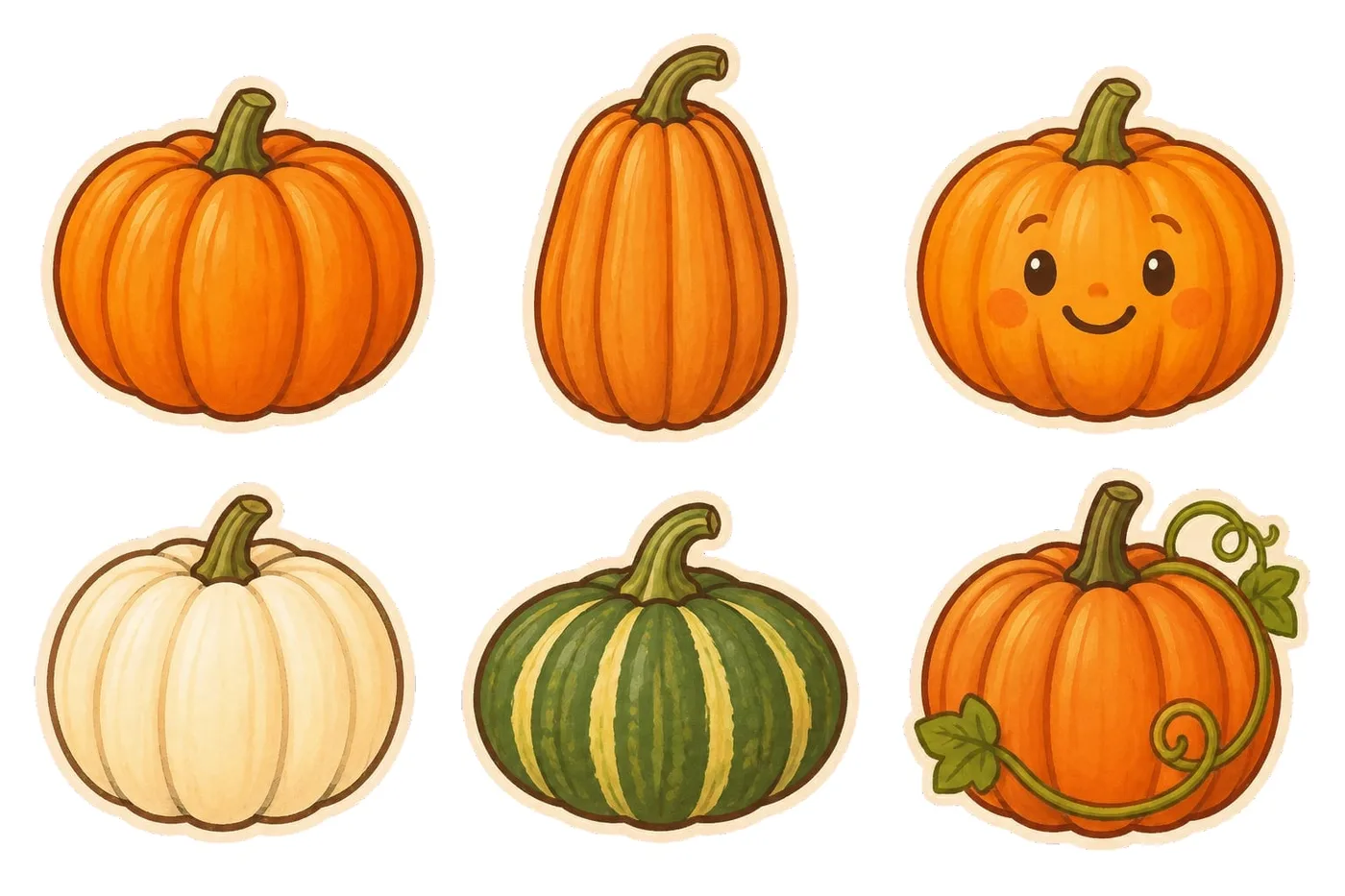
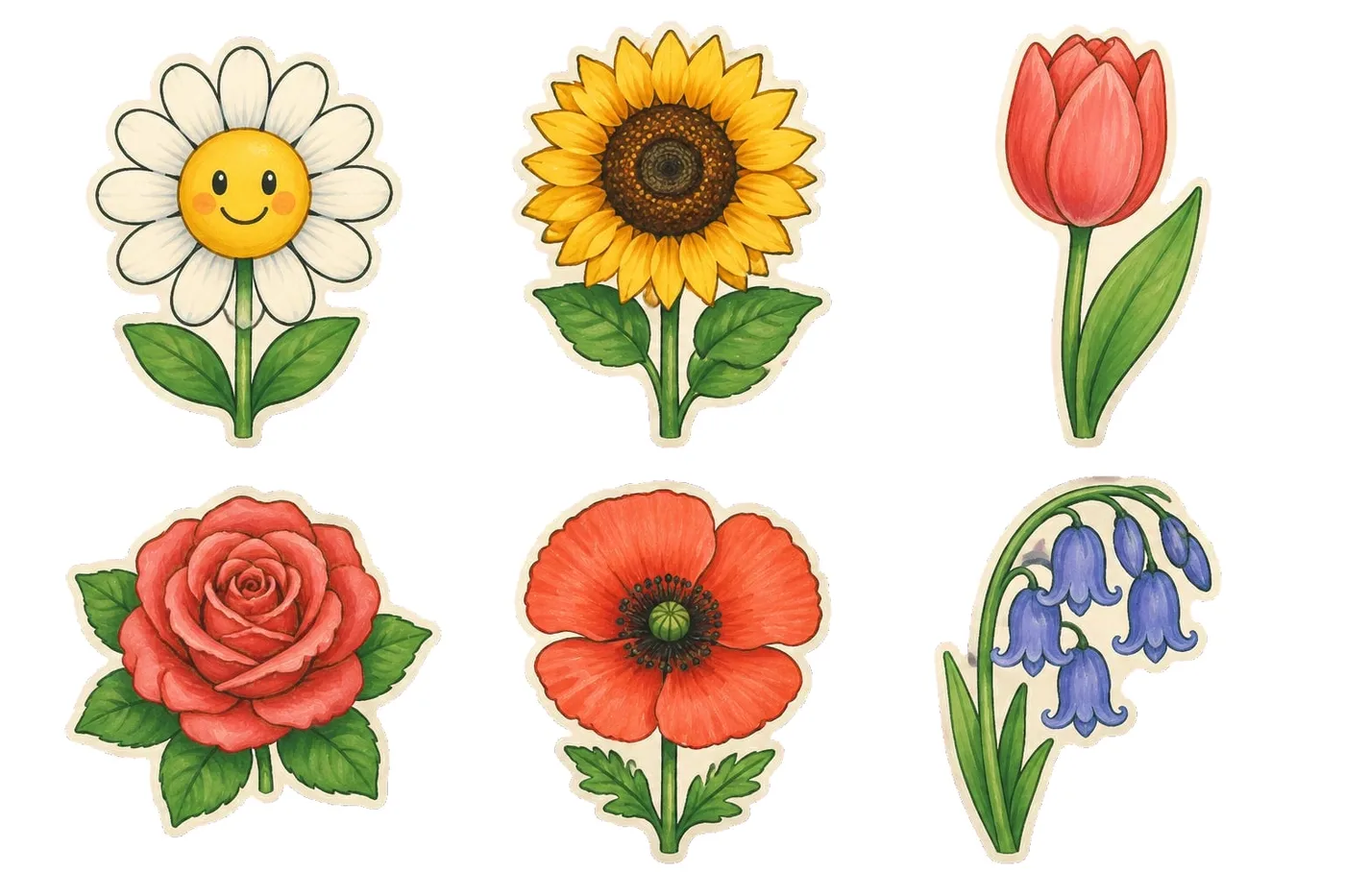
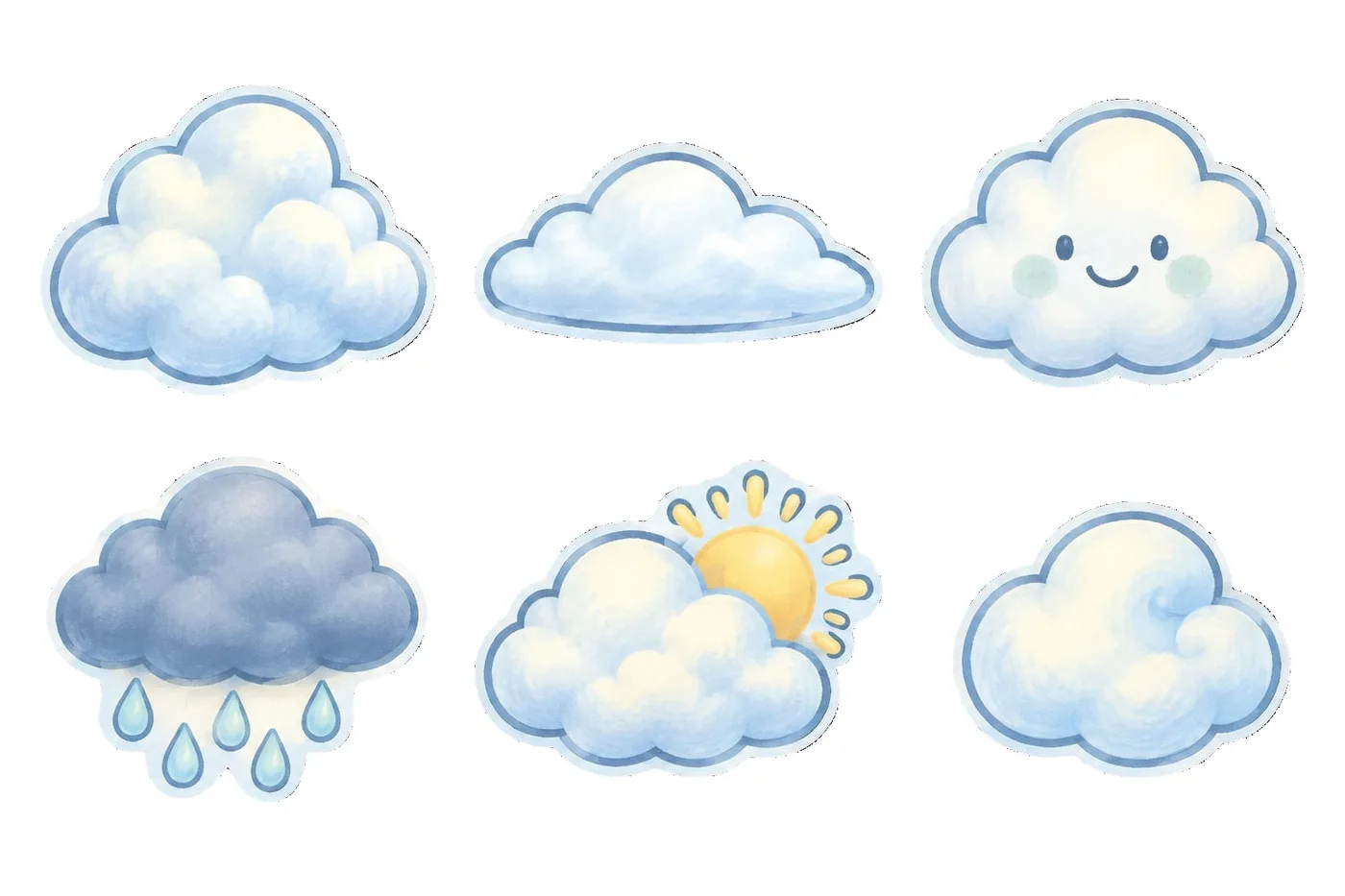
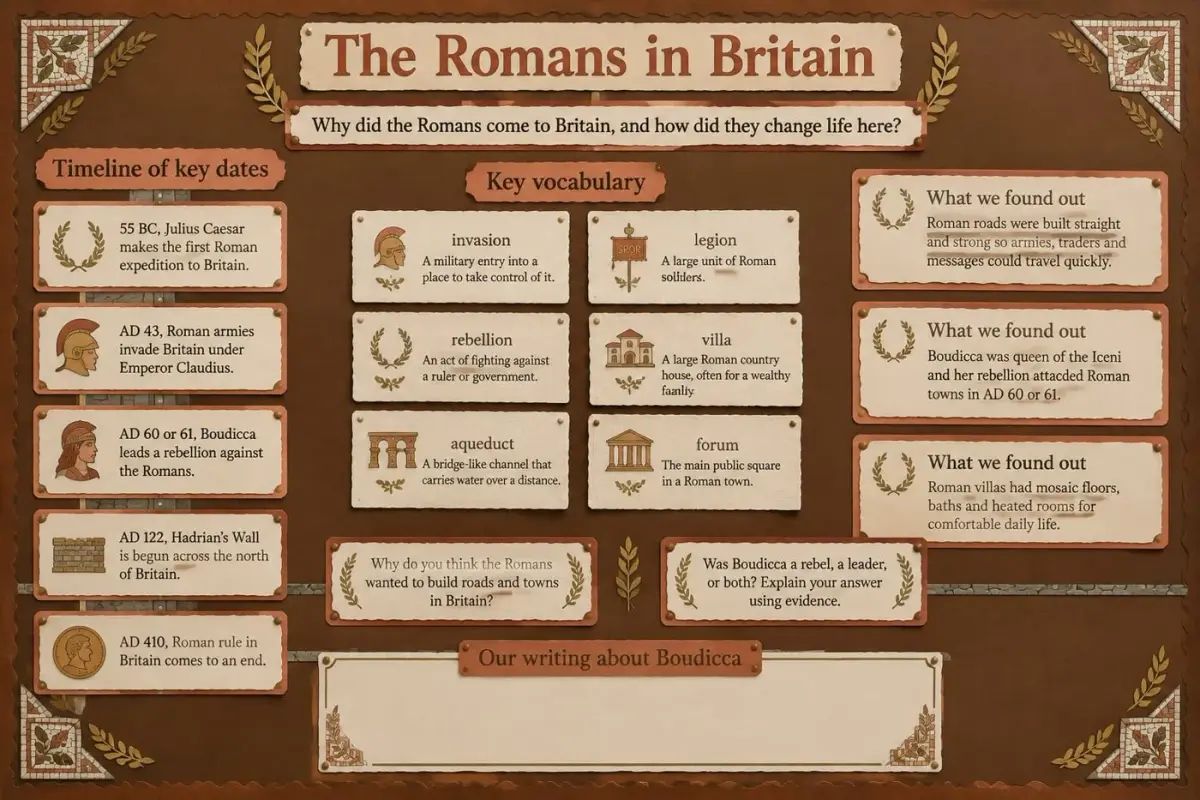
From a theme to pieces on the board
- 1
Name a theme
Stars, autumn leaves, planets or feelings faces. List your own items, or let the designer choose 8 to 16.
- 2
Pick a look and check the items
Three looks for the same set. Check every item, and every label if you asked for them, before anything is made.
- 3
Print, cut and put up
Print at 100% on A4, contact sheet first. Cut round each white outline and put the pieces straight on the board.
Decoration packs to start from
Open a pack to see every sheet, or make it yours and change the items.
Classroom decorations: your questions answered
Ideas, sizes, labels and getting cut-outs onto the board.
Ideas
What decorations can I put on a classroom display?
Shapes that match the topic or season work well: stars, leaves, planets, snowflakes, speech bubbles, arrows and photo frames. Keep one style across the set so the board looks designed. WallKiwi turns any theme into 8 to 16 illustrated cut-outs in one look.
How do I decorate a classroom display board?
Start with a plain backing and a border, add the title and main content, then use a small set of matching cut-outs to frame and connect it. Fewer, larger decorations look tidier than lots of small ones.
What are good seasonal classroom decorations?
Autumn leaves and pumpkins, snowflakes and Christmas decorations, Easter eggs and flowers in spring, and suns in summer. WallKiwi has example packs for each, and you can make your own set from any theme.
Where can I find free printable classroom decorations?
WallKiwi's example decoration packs, such as stars, leaves, clouds and speech bubbles, are free to download with an account. Designing a pack from your own theme or items uses credits.
Making cut-outs
How do I make cut-out decorations for a display?
Choose a theme, draw or print each shape at the same size in one style, add a clear outline to cut round and print on card. WallKiwi does the drawing: name a theme, choose one of three looks and print die-cut pieces with a white edge to cut along.
Can I choose the items myself?
Yes. List them separated by commas and the pack uses your list as given. Leave it empty and the designer chooses 8 to 16 items that suit the theme.
Can I make labelled cut-outs?
Yes. Ask for labels and each piece gets a short name of up to three words. Labels print exactly as written and are read back to check them word for word, and you can change any label before the pack is made.
How do I make shapes children can write on?
Choose blank pieces with a large plain centre, such as speech bubbles, thought bubbles, photo frames, arrows and label frames. In WallKiwi, choose Leave them blank for writing and every piece keeps a clear space inside.
How big should cut-outs be for a display board?
Around 80 mm suits most boards: large enough to see across a room without crowding the content. Use smaller pieces for borders and larger ones as focal points. WallKiwi prints every piece in a pack at one height: 50, 80 or 120 mm.
Printing and putting up
What paper is best for printing cut-outs?
Card lasts longest and stays flat on the board. Print at 100% on A4, never fit to page, so every piece comes out at its size.
How do I cut out shapes quickly?
Cut the gaps between pieces first to free each shape, then trim round the outline. Shapes with one smooth outline, like WallKiwi's, are much quicker to cut than detailed edges.
Should I laminate classroom decorations?
Laminate pieces you will reuse each year, and you can then write on them with a dry-wipe pen. Cut round the shape after laminating, leaving a thin sealed edge.
How do I attach cut-outs to a display board?
Double-sided tape, sticky putty or staples all work, depending on your board. Use putty if you want to move pieces around during the year.
Using WallKiwi
How many pieces are in a decoration pack?
Between 8 and 16 illustrated items on your theme, each drawn on its own with a white outline to cut round, plus a contact-sheet guide that shows and numbers every piece.
Can I make decorations from a photo?
Not in the decorations tool. A decoration pack starts from a theme and a list of items. To match a display you already have from a photo, use the display board maker or the bunting maker.
What does it cost to make decorations?
Designing your own pack uses credits, shared with display boards, lettering and bunting, and a free account includes some each month. The example packs download free with an account.
A matching set for any theme
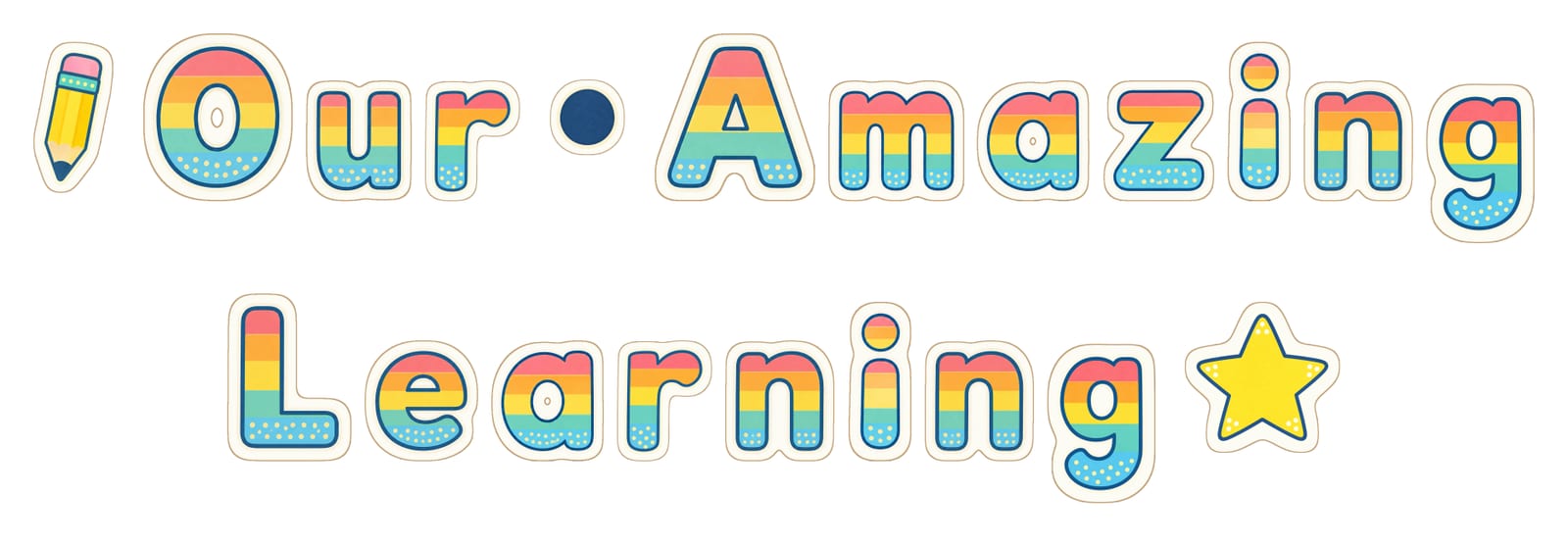
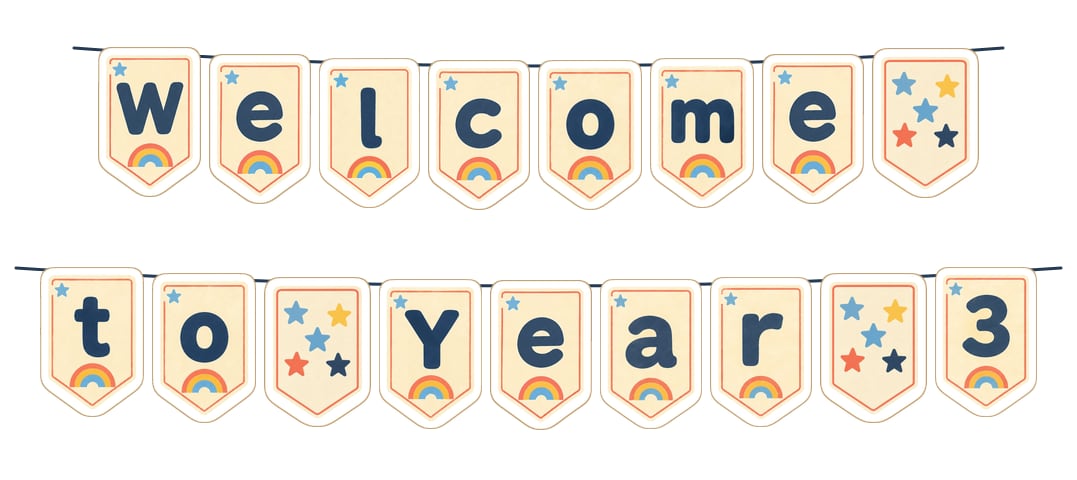
Name a theme, choose a look and print. Your items, your labels, your size.