Board titles that look printed.Because they are.
WallKiwi makes cut-out display lettering for your board. Type a heading of up to three lines and get every letter on A4, sized to 10, 15 or 20 cm or to fit your board, in one of three designed looks, with a guide that shows where every letter goes.
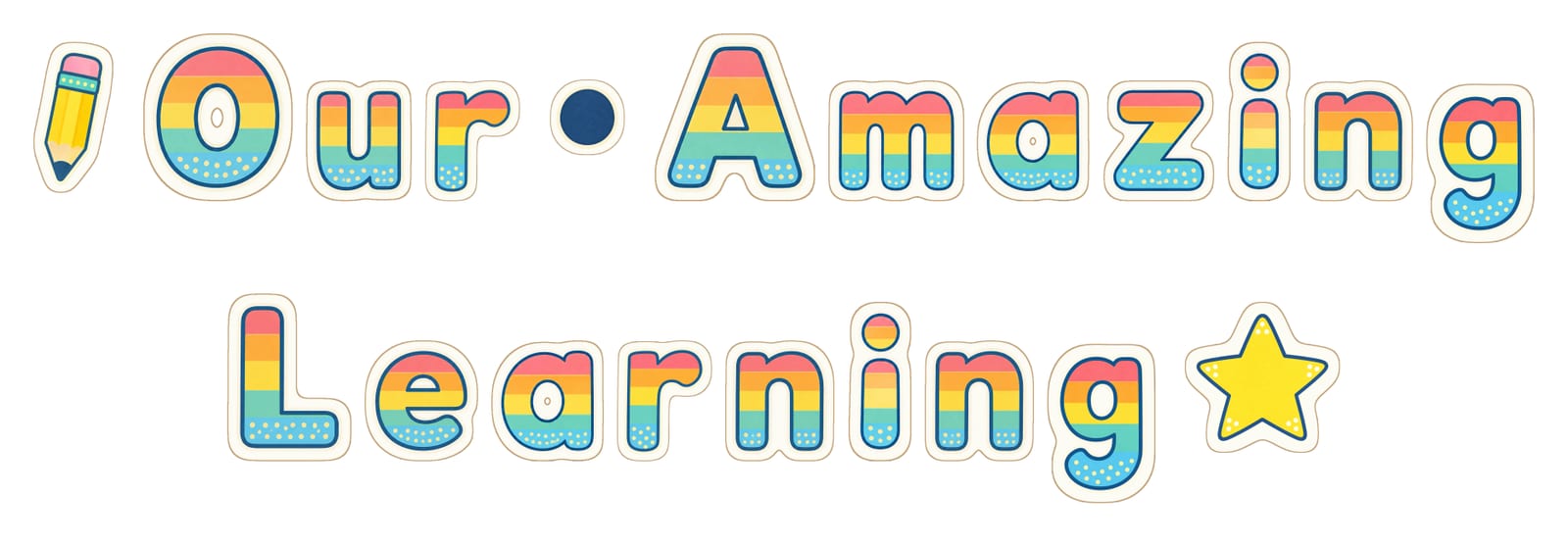
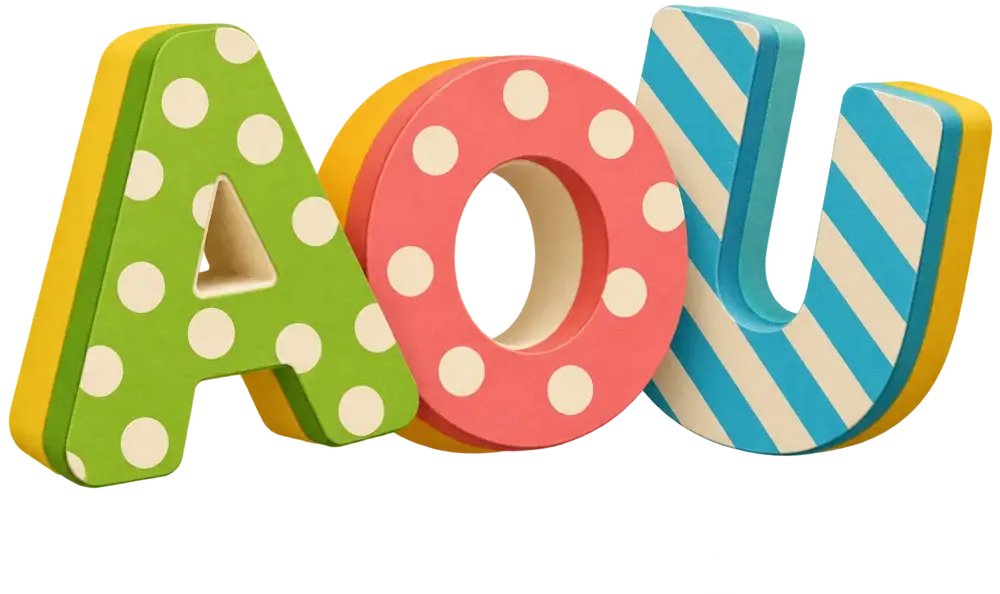
- 10, 15 or 20 cmcapitals, or sized to fit your board
- 3 linesand up to 60 characters
- Drawn onceeach letter, so every e matches
- Centredwith a guide to space and line up
Inside a lettering pack
This is Space Explorers, exactly as WallKiwi made it.
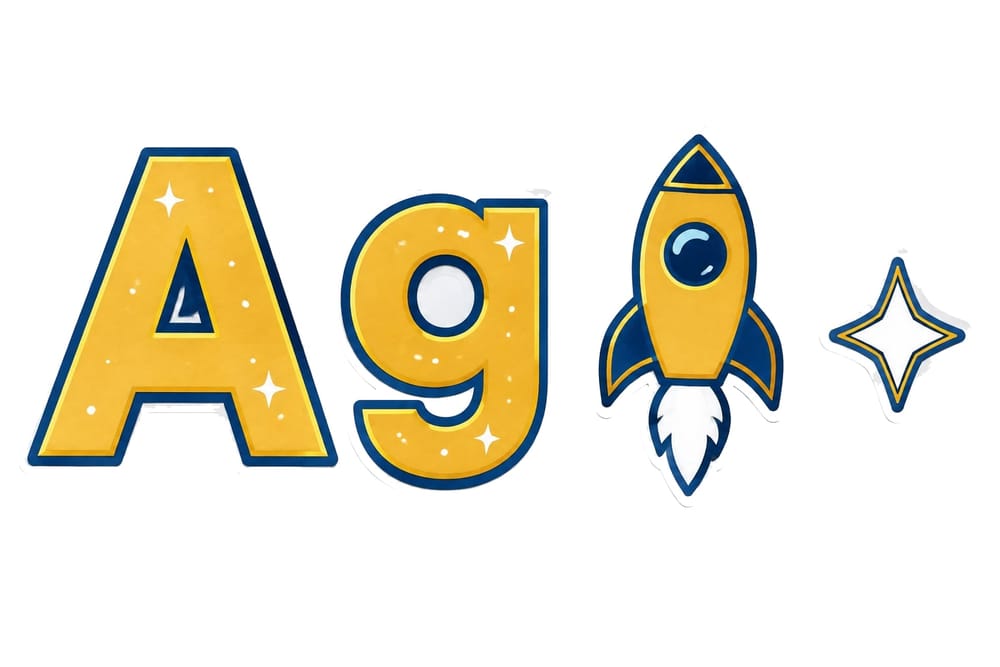
The look
A style sheet with a capital, a small letter and the motifs, so you see the style before anything is made.
Letter sheets
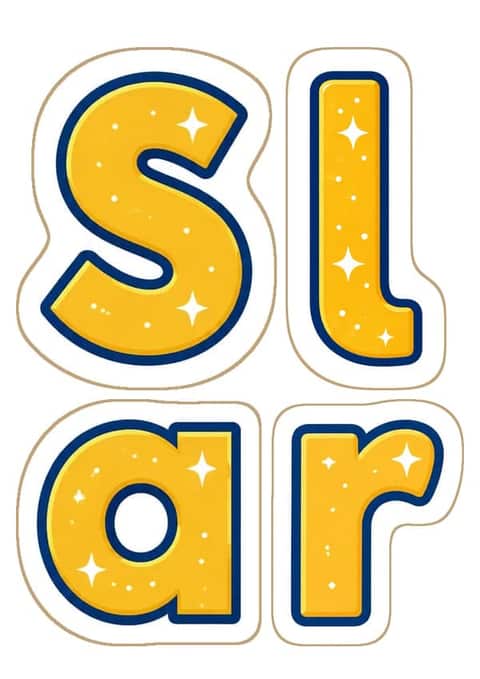
Every letter as a shaped cut-out, packed onto as few A4 sheets as they fit.
The guide
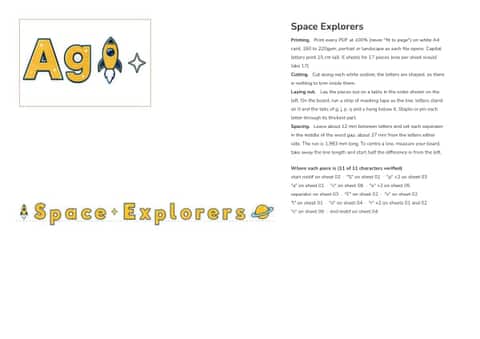
Your words laid out to scale, with the spacing, the length of each line and where to start.

On the board
Start and end motifs and a small separator in each word gap, all in the same look.
Real lettering packs, as they came out
Each heading below was typed in and made by WallKiwi, then laid out from its own letters.






From a typed title to letters on your board
- 1
Type your heading
Up to three lines and 60 characters. Capitals and small letters come out exactly as you type them.
- 2
Pick a look and check every letter
Three designs for your heading. Each letter is drawn once and read back, and one that comes back wrong is drawn again.
- 3
Print, cut and put up
Print at 100% on white card, cut round each letter and follow the guide for spacing and where to start.
Headings teachers make most
Open an example pack, or type your own words.
Display lettering: your questions answered
Sizes, paper, spacing and getting a heading up straight.
Sizes and sheets
What size should display lettering be?
For a classroom board title, capitals between 10 and 20 cm tall read well from across the room. Use the bigger end for corridor and hall boards. WallKiwi offers capitals 10, 15 or 20 cm tall, or give your board's width and the letters are sized so the longest line fills it.
How tall should letters be to read across a classroom?
As a rule of thumb, letters around 10 cm tall can be read from the back of a typical classroom, and 15 cm or more works for long corridors and halls. Bold, simple letter shapes help as much as size does.
How many letters fit on an A4 page?
It depends on the size. Small 10 cm letters share a sheet, while 20 cm capitals may take a sheet each. WallKiwi packs the pieces onto as few sheets as they fit, portrait or landscape, and the guide tells you how many sheets one letter per sheet would have taken.
How do I make letters bigger than A4?
Print the letter in parts across sheets and join them from behind with tape. WallKiwi does this automatically: a letter bigger than A4 prints in parts with a dashed trim line, so you trim the join and tape it from the back.
Making the letters
How do I make display lettering for a classroom?
Choose your words, pick a clear, bold letter style, print each letter large on card and cut it out. Keep the same style and colours across the whole heading. With WallKiwi you type the heading, choose one of three designed looks and print shaped letters ready to cut.
What is the best font for classroom display lettering?
Bold, rounded letters with clear shapes are easiest to read from a distance, especially for younger pupils. Avoid thin or very decorative styles for long words. WallKiwi draws three designed looks for your words, each showing a capital A and a small g, so you can judge readability before you choose.
Where can I get free printable display letters?
WallKiwi's example lettering packs, such as Welcome, Our Class and Reading Corner, are free to download and print. Designing a heading from your own words in a designed look uses credits.
Can display letters have pictures between words?
Yes. WallKiwi can add a small picture before the first word and after the last, and a small matching motif in every word gap. You can switch them off and use plain gaps instead.
Can I use capitals and lower case letters?
Yes. Letters print exactly as you type them. A capital and a small letter are drawn as different pieces, and small letters are cut shorter than capitals, as they would be in print, with tails like g, p and y hanging below the line.
Putting it up
How do you put letters on a display board straight?
Run a strip of masking tape across the board as your line. Stand each letter on it, with tails like g and y hanging below, then remove the tape once everything is fixed. Lay the heading out on a table first so the words read the right way.
How do you space letters on a display board?
Keep the gap between letters even and make the gap between words about the width of one letter. Find the middle of the board and work out from there so the heading sits centred. WallKiwi's guide gives the spacing and where to start so it lands in the middle.
What paper is best for display letters?
White card between 160 and 220gsm keeps letters flat on the board and stops them curling. Print at 100%, never fit to page, or the letters come out smaller than the guide expects.
How do you stick letters to a wall without damaging it?
Use sticky putty or removable adhesive tabs on painted walls, and pins, staples or double-sided tape on display boards. Test a small area first on fresh paint.
Should I laminate display letters?
Laminating helps letters you will reuse every year, such as Welcome or your class name. Cut round each letter after laminating and leave a thin sealed edge so it does not peel.
Using WallKiwi
How many characters can a heading have?
Up to three lines and 60 characters, using letters from any alphabet, numbers, spaces and the marks & ! ? ' - . , and :.
Why is each letter only drawn once?
So they match. If your heading uses the letter e five times, it is drawn once, checked once and printed five times. A capital and a small letter are drawn separately.
Does a lettering pack use credits?
Yes. Display boards, lettering, bunting and decoration packs all use credits, and a free account includes some each month. Downloading the example packs is free.
A heading that looks designed
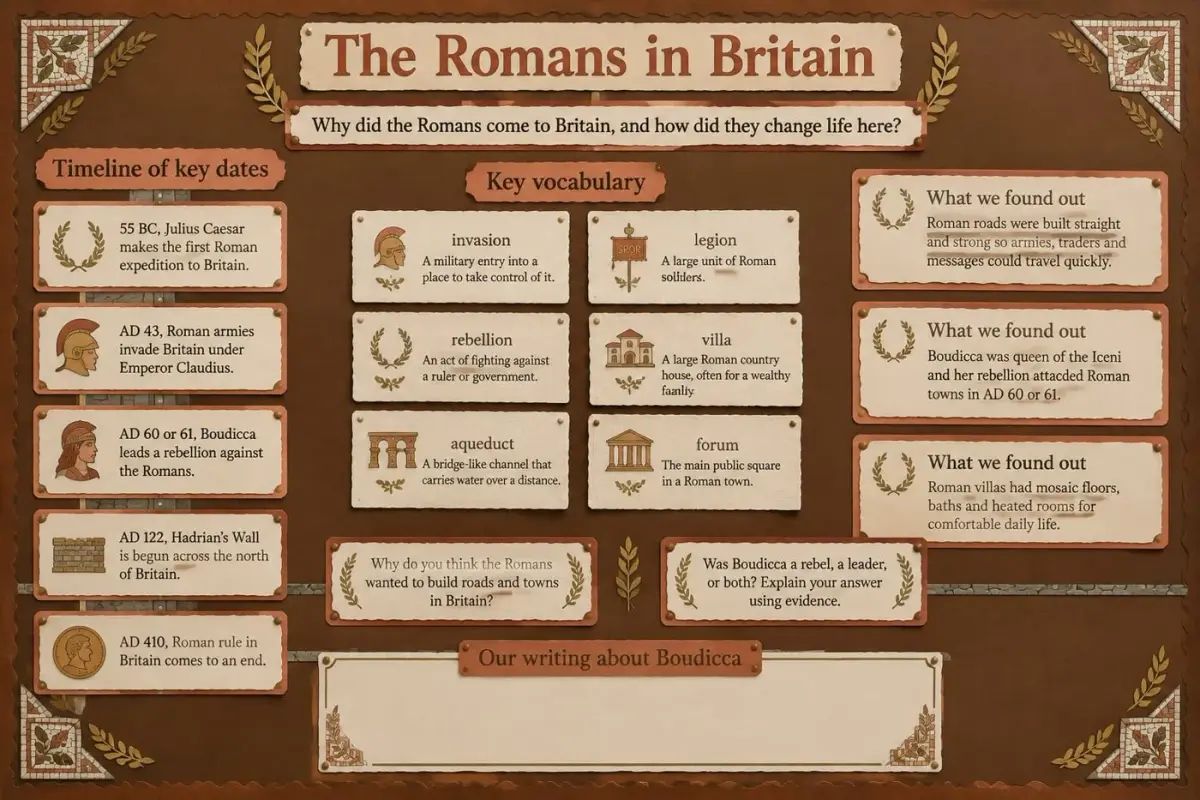
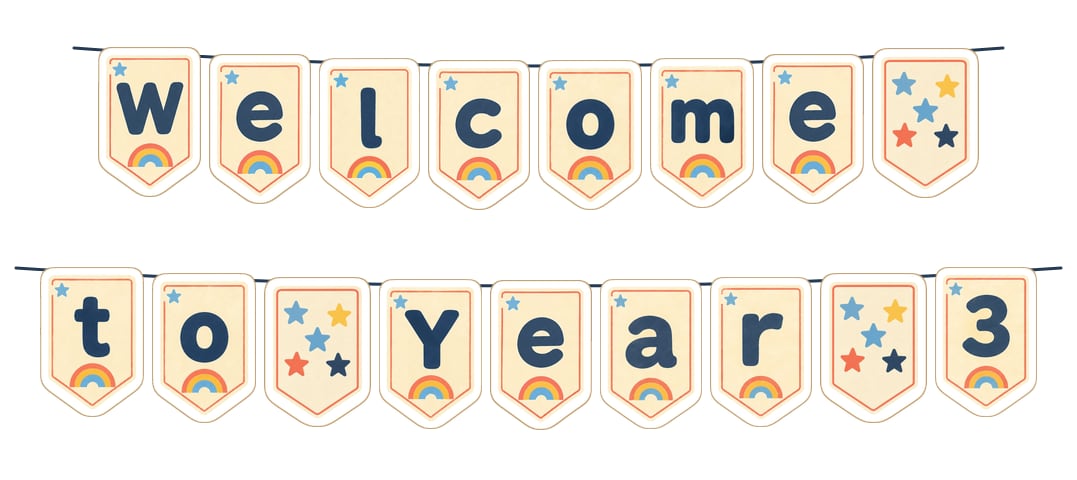
Type your words, pick a look, print. Every letter checked before it reaches you.